FREELANCE TIPS
New to freelancing? Learn exactly what to include in your first invoice, when to send it, and how to make sure you actually get paid.
Published on
Written by

Balint Bogdan
You finished your first project. The client is happy. Now you need to get paid.
This part trips up a lot of new freelancers. Not because invoicing is complicated, but because nobody teaches you how to do it. You're left wondering what to include, when to send it, and whether you're doing it right.
Here's everything you need to know.
What is an invoice, actually
An invoice is a payment request. It tells your client what you did, how much they owe, and how to pay you.
Think of it like a receipt, but in reverse. A receipt confirms payment after the fact. An invoice requests payment before it happens.
It's also a record for your business. Every invoice you send becomes part of your income history. You'll need these for taxes, for tracking who owes you what, and for understanding how your business is doing over time.
What to include in your invoice
A good invoice answers every question before the client asks it. Here's what to include:
Your details Your name or business name, email, and address. If you have a logo, add it. This isn't required, but it makes your invoice look more professional.
Client details The client's name or company name and their address. Make sure this matches whoever is actually paying you. Sometimes your contact isn't the person who processes invoices.
Invoice number Every invoice needs a unique number. This helps you and your client reference it later. Start with something simple like 001 or 1001 and go up from there.
Invoice date The date you're sending the invoice. This matters because payment terms are usually calculated from this date.
Description of work What did you actually do? Be specific. "Website design" is fine, but "Homepage design and 3 interior pages for brandname.com" is better. Clients are more likely to pay quickly when they can see exactly what they're paying for.
Amount due The total they owe. Make it obvious. This should be the most visible number on the page.
Due date When do you expect payment? Don't write "Net 30." Write "Due: March 8, 2026." Specific dates are harder to ignore than vague terms.
Payment instructions How should they pay you? Bank transfer, PayPal, Stripe, Wise? Include the details they need. Account numbers, email addresses, payment links. Make it as easy as possible.
When to send your invoice
Send it immediately after finishing the work. Not tomorrow. Not when you "get around to it." The same day.
Here's why this matters. When you delay, you signal that payment isn't urgent. The project is still fresh in the client's mind right after delivery. They're happy with the work, they remember what you did, and they're ready to close the loop.
Wait a week and your invoice joins a pile of other tasks they've been putting off.
For larger projects, consider sending invoices at milestones instead of waiting until the end. A three month project shouldn't mean waiting three months to get paid.
How to actually send it
Email is standard. Attach your invoice as a PDF so the formatting stays intact. Keep the email short.
Something like:
"Hi Sarah,
Thanks for the great project. Attached is my invoice for the homepage design work.
Let me know if you have any questions. Payment is due by March 8.
Talk soon, [Your name]"
That's it. No need to overthink it.
If you're using invoicing software, you can usually send directly from the platform. The client gets an email with a link to view and pay the invoice. Even easier.
What about deposits
For new clients or larger projects, ask for a deposit before you start working. 30% to 50% upfront is standard.
This does two things. It gives you cash flow while you work. And it creates commitment. Clients who've already paid are invested in the project.
Some new freelancers worry this will scare off clients. It usually does the opposite. Serious clients expect it. The ones who refuse often turn out to be payment problems later.
Common mistakes to avoid
Vague descriptions "Consulting services" doesn't tell the client anything. Be specific about what you delivered. This also protects you if there's ever a dispute.
No due date If you don't set a deadline, you're leaving it up to the client. Some will pay quickly. Many won't. Always include a specific date.
Making it hard to pay Every extra step between your client and their payment is a chance for delay. Include a direct payment link if you can. Don't make them email you to ask for your bank details.
Waiting too long to send The longer you wait, the longer you wait to get paid. Invoicing is part of finishing the project. Do it right away.
Not following up Most late payments aren't malicious. Clients are busy. Your invoice got buried in their inbox. A friendly reminder a few days before the due date can make a big difference.
What if they don't pay
First, don't panic. It happens to everyone.
Send a polite reminder on the due date. Something like:
"Hey, just a quick note that invoice #001 was due today. Let me know if you need me to resend it."
If a week passes with no response, follow up again. Be a bit more direct:
"Following up on invoice #001, now a week overdue. Is there anything holding up payment?"
Most clients will pay after one or two reminders. If they don't, that's a different conversation. But for most situations, persistence and politeness work.
Tools you can use
You don't need fancy software to send your first invoice. A simple template in Google Docs or Notion works fine. Just make sure it looks clean and includes everything listed above.
As you grow, invoicing software makes things easier. Tools like Brisk, Wave, or FreshBooks let you create invoices quickly, send reminders automatically, and track what's been paid.
The tool matters less than the habit. Pick something simple, use it consistently, and don't let invoicing become something you dread.
One last thing
Invoicing can feel awkward at first. You're asking someone for money, which isn't something most people are used to doing.
But here's the thing. You did the work. You delivered value. The invoice is just the final step in a professional transaction. There's nothing awkward about expecting to be paid for work you've completed.
Send the invoice. Follow up if you need to. And move on to the next project.
Need a better way to manage your business?
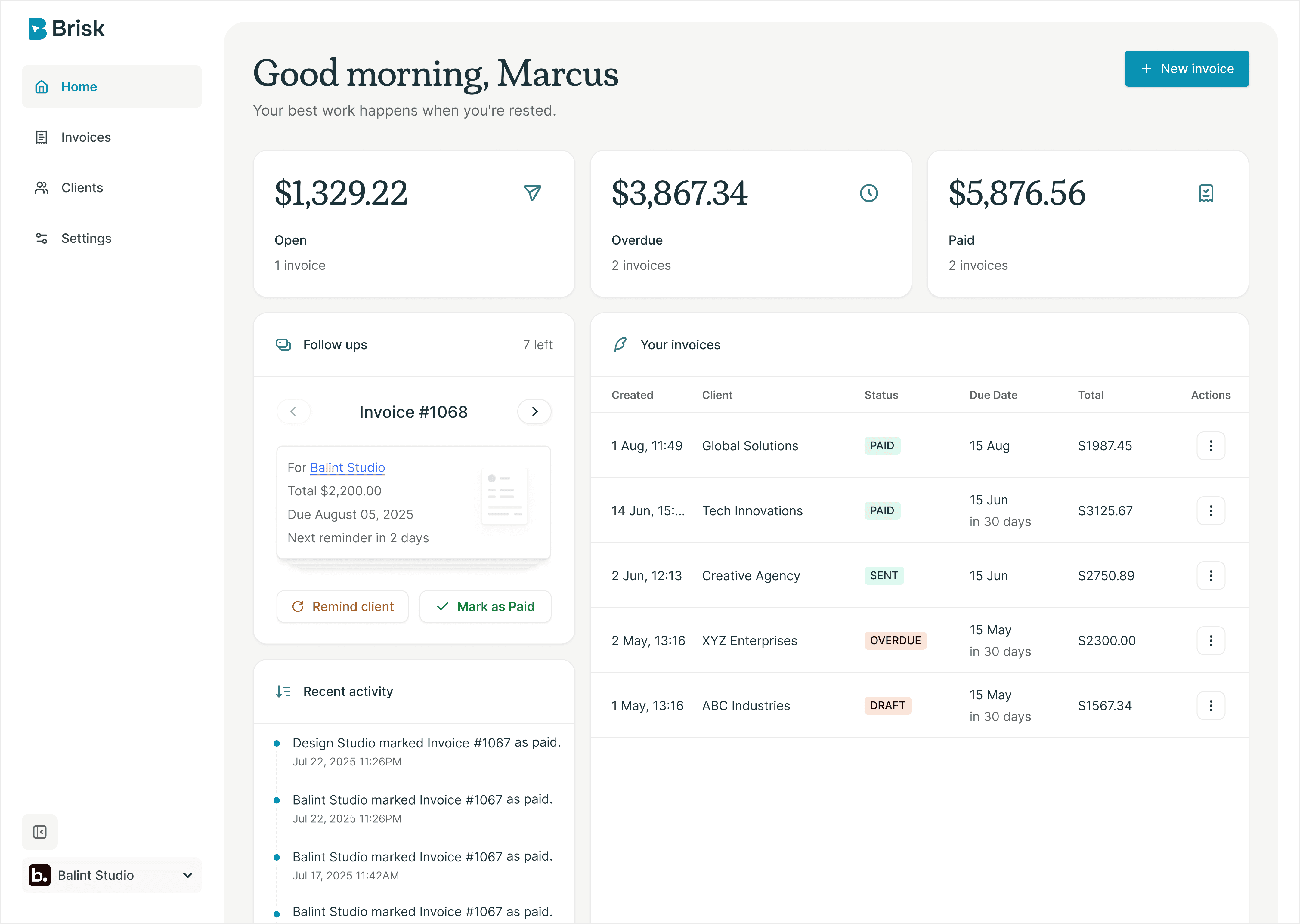
Brisk handles the busywork, invoicing, reminders, follow ups, so you can focus on the work that actually pays.

"I used to spend Sunday nights sending reminders. Now I don't think about invoices at all."
Bianca Serban, Product designer